
Sip Water Buddy
Free Desktop Water Reminder for Windows & Linux
A 3D hero and a pet walk onto your screen when it's time to drink water, and stay until you answer. Add any other reminder you like. Free, open source, and never connects to the internet.
Download free View on GitHubWindows 10/11 (64-bit) installer or portable · Ubuntu / Linux · MIT license
Why Sip Water Buddy?
Reminders you can't ignore
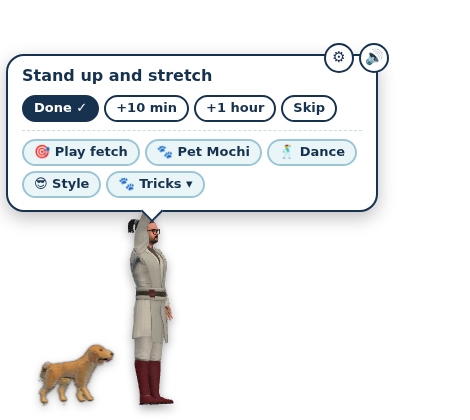
Characters stay on screen until you answer: Done, +10 min, +1 hour or Skip.
Water and anything else
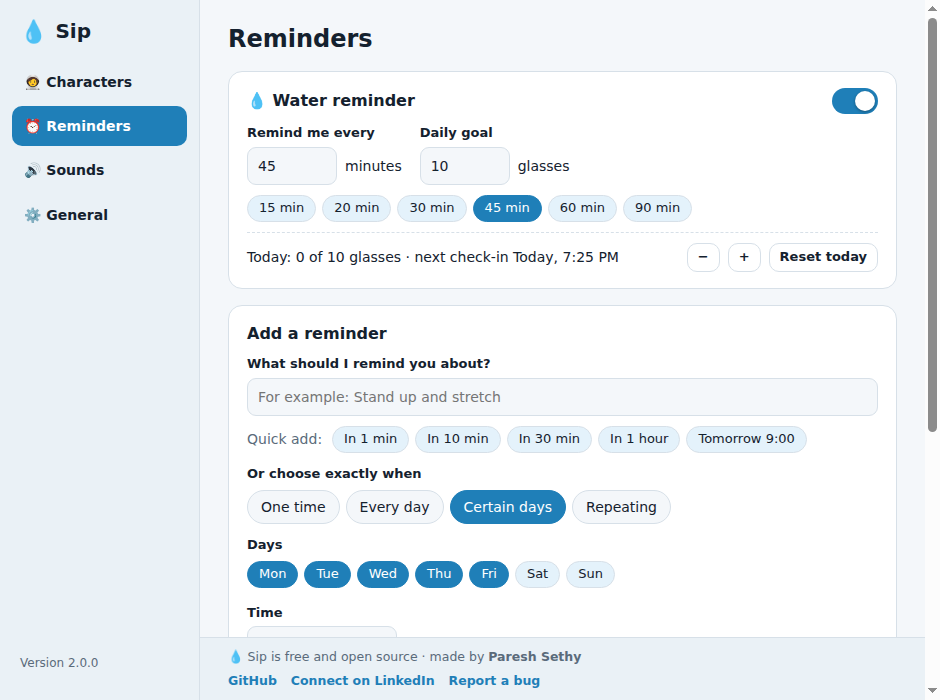
Set your interval and daily goal, or add one-time, daily, weekly or every-N-minutes reminders.
Your hero, your pet
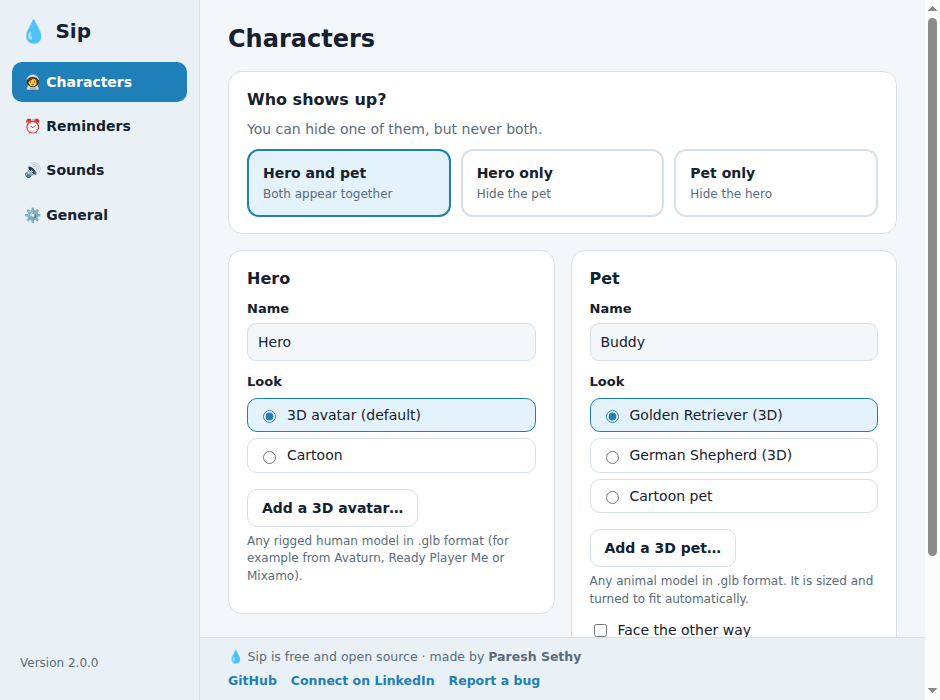
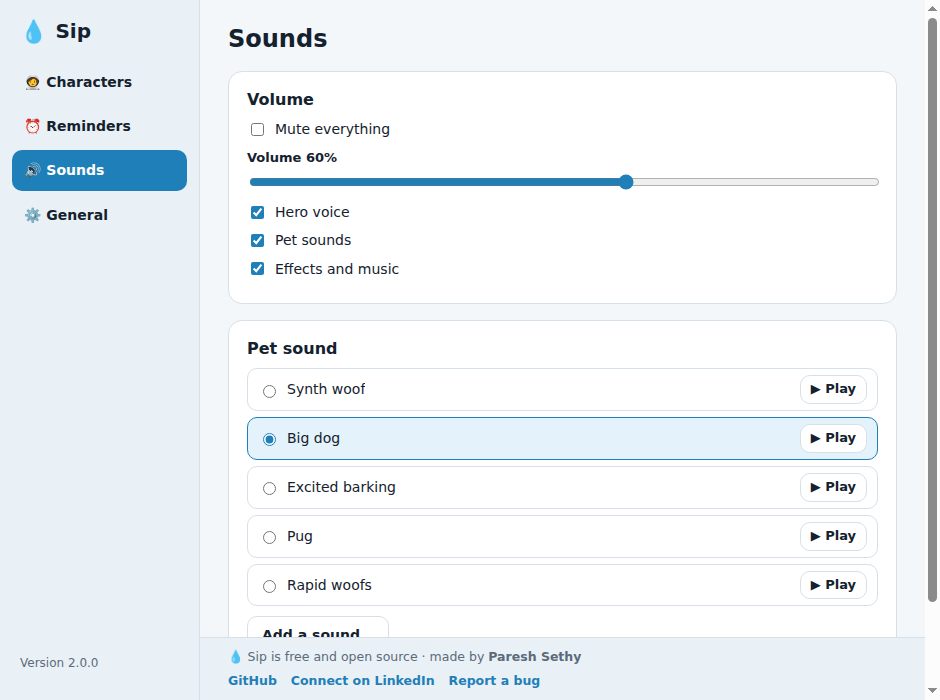
Name them, pick their looks, or bring your own 3D avatar and pet (.glb) and sounds.
Wait where you want
Click a spot on your screen and they wait there. Hover over them and they stop. Choose how long they linger after you answer.
To-dos with deadlines
Optional deadlines, reminders before they are due, and your list held by the hero and pet on the desktop. Drag them anywhere.
To-dos and 30-day stats
Keep a quick to-do list from the tray, and see glasses, goal deviation and skipped time for the last 30 days.
Multi-monitor
The characters walk across all your screens, and play fetch when you click.
Private by design
No network, no telemetry, no account. Everything stays on your computer.
Light and dark themes
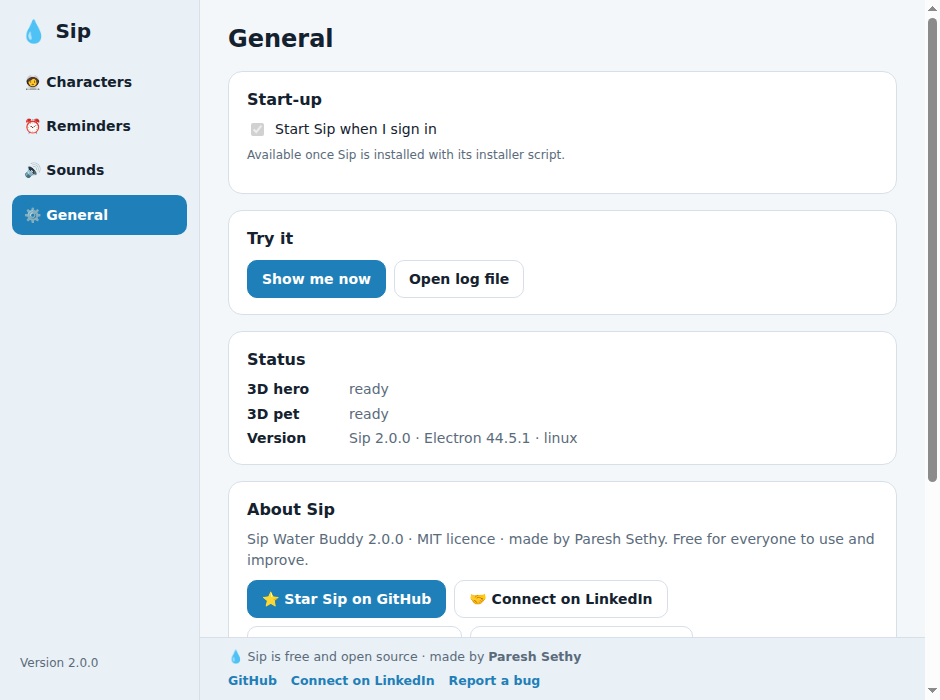
A real Settings window with keyboard access and a tray icon near your clock.
Screenshots
Download
Sip Water Buddy is distributed through GitHub Releases, built from the public source code in this repository. Each release lists SHA-256 checksums so you can verify your download.
View the latest release on GitHub
Windows 10 / 11
Download the installer from the release page and run it. It installs for your user only and does not need administrator rights.
Ubuntu / Linux
Download the Linux zip from the release page, then run:
unzip sip-water-buddy-<version>-linux.zip && cd sip-water-buddy && ./install.shPrefer to build it yourself? Full instructions, including running from source, are in the README.
FAQ
Is Sip Water Buddy really free?
Yes. It is open source under the MIT license, with no ads, accounts or subscriptions.
Does it connect to the internet?
No. It never uses the network and has no telemetry. Your reminders stay on your computer.
Does it work on macOS?
macOS is not packaged or tested. Running from source may work; contributions are welcome.
How do I remove it completely?
Easiest: open Sip → Settings → General → Uninstall Sip completely…; it lists what it will delete and asks first. By hand: Windows, uninstall from Settings → Apps and delete %APPDATA%\sip-water-buddy; Linux, run ~/.local/share/sip-water-buddy/uninstall.sh. Full steps are in the README.
Can I use my own characters?
Yes. Bring your own 3D avatar or pet as a .glb file, plus your own pet sounds.